
NSA Codebreaker 2025 T2
A walkthrough of the NSA Codebreaker 2025 T1 challenge detailing how a forensic analysis of a PCAP in Wireshark uncovered a rogue DNS server, suspicious FTP activity, and multiple IP addresses assigned to a malicious device.
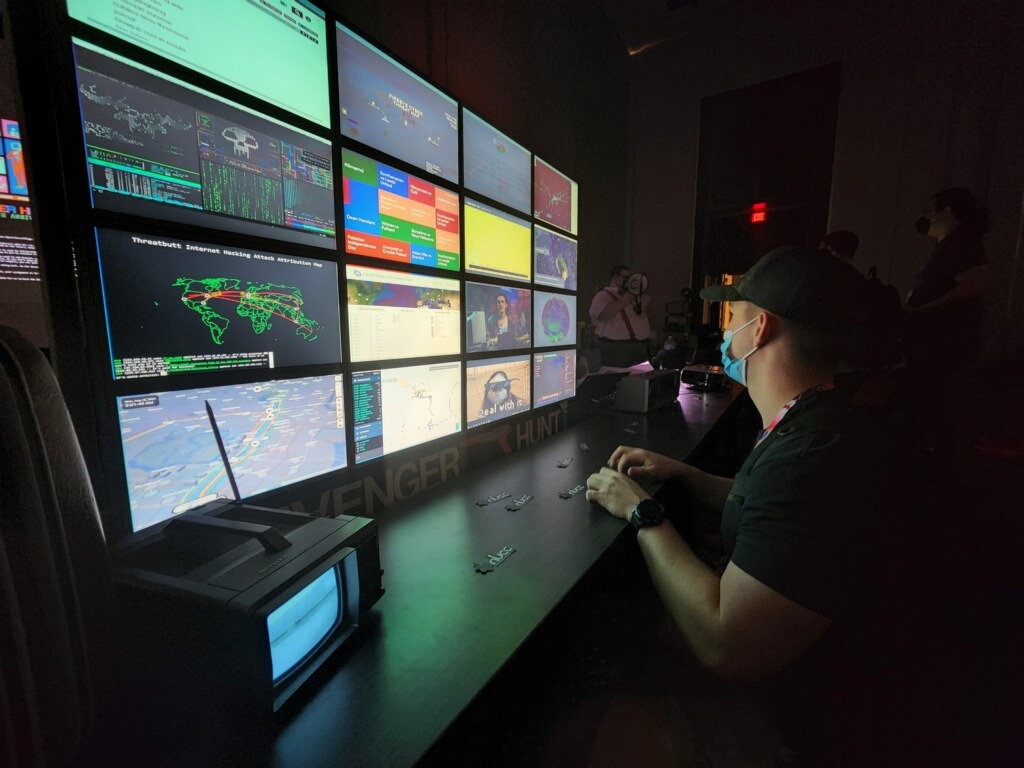
You arrive on site and immediately get to work. The DAFIN-SOC team quickly briefs you on the situation. They have noticed numerous anomalous behaviors, such as; tools randomly failing tests and anti-virus flagging on seemingly clean workstations. They have narrowed in on one machine they would like NSA to thoroughly evaluate.
They have provided a zipped EXT2 image from this development machine. Help DAFIN-SOC perform a forensic analysis on this - looking for any suspicious artifacts.
Downloads:
Prompt:
To start, we can run the file command to determine the filetype.
image.ext2: Linux rev 1.0 ext2 filesystem data, UUID=2033eab9-1739-5749-a2be-e089dc4131ef (large files)
Since we are dealing with a Linux filesystem, we can pivot to a forensic tool suite like Autopsy, or we can use Linux command-line tools.
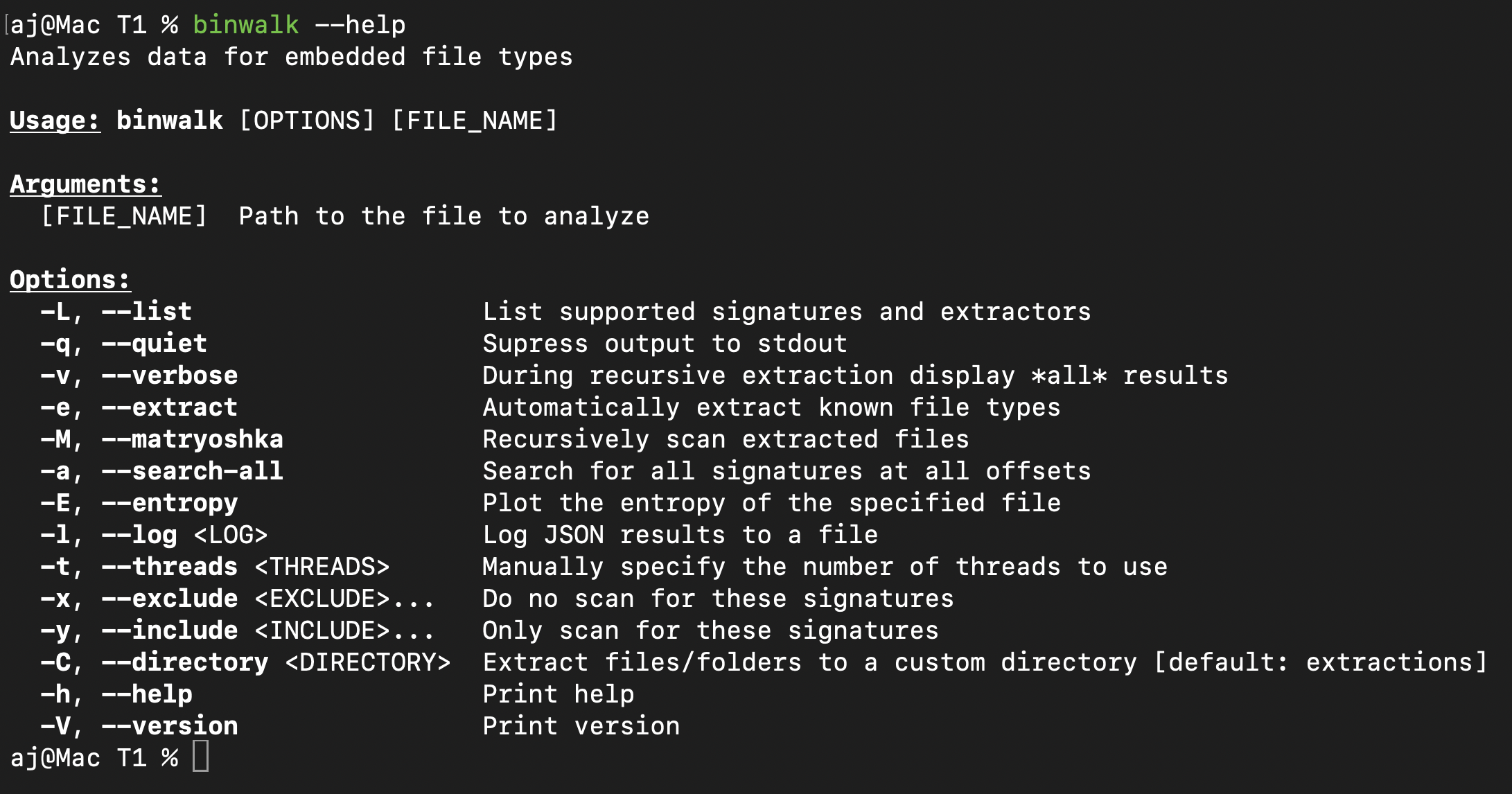
One of my favorite command-line tools for analyzing filesystems is binwalk. Binwalk enables us to slide a window view from byte 0 to end, searching for known file types. Looking at the help page for binwalk, we use the -e flag to extract any known file types it finds.
After extracting all known file types with binwalk, we are left with a structure that appears to be a standard Linux filesystem.
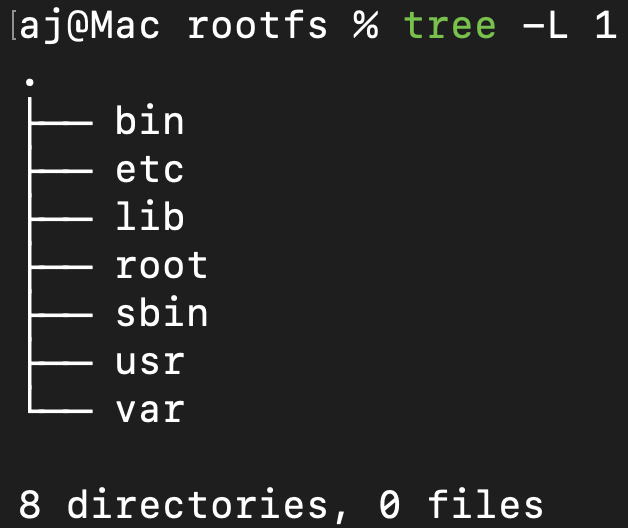
Enumeration begins by searching for what the challenge prompt asks for: “any suspicious artifacts”. Because there is no /home directory, which typically stores local user accounts and their associated directories (Desktop, Documents, etc.), we can navigate into the /root directory.
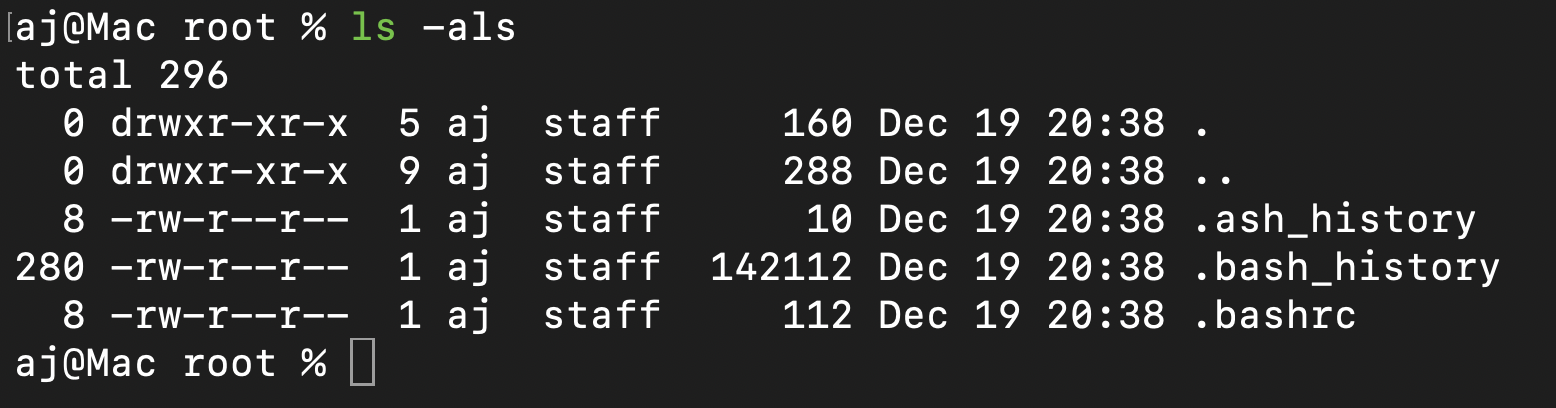
The .bash_history file stands out as it contains a log of bash commands executed by the root user.
Reading this file is difficult because it has 8,000 lines (we can verify with wc -l .bash_history). One thing I notice is that there are many repeated strings in the output. A quick method to eliminate duplicates and organize entries is to use sort and uniq, which sort lines alphabetically and display only unique items. This reduces the search window from 8,000 to 93 lines.
cat .bash_history | sort | uniq
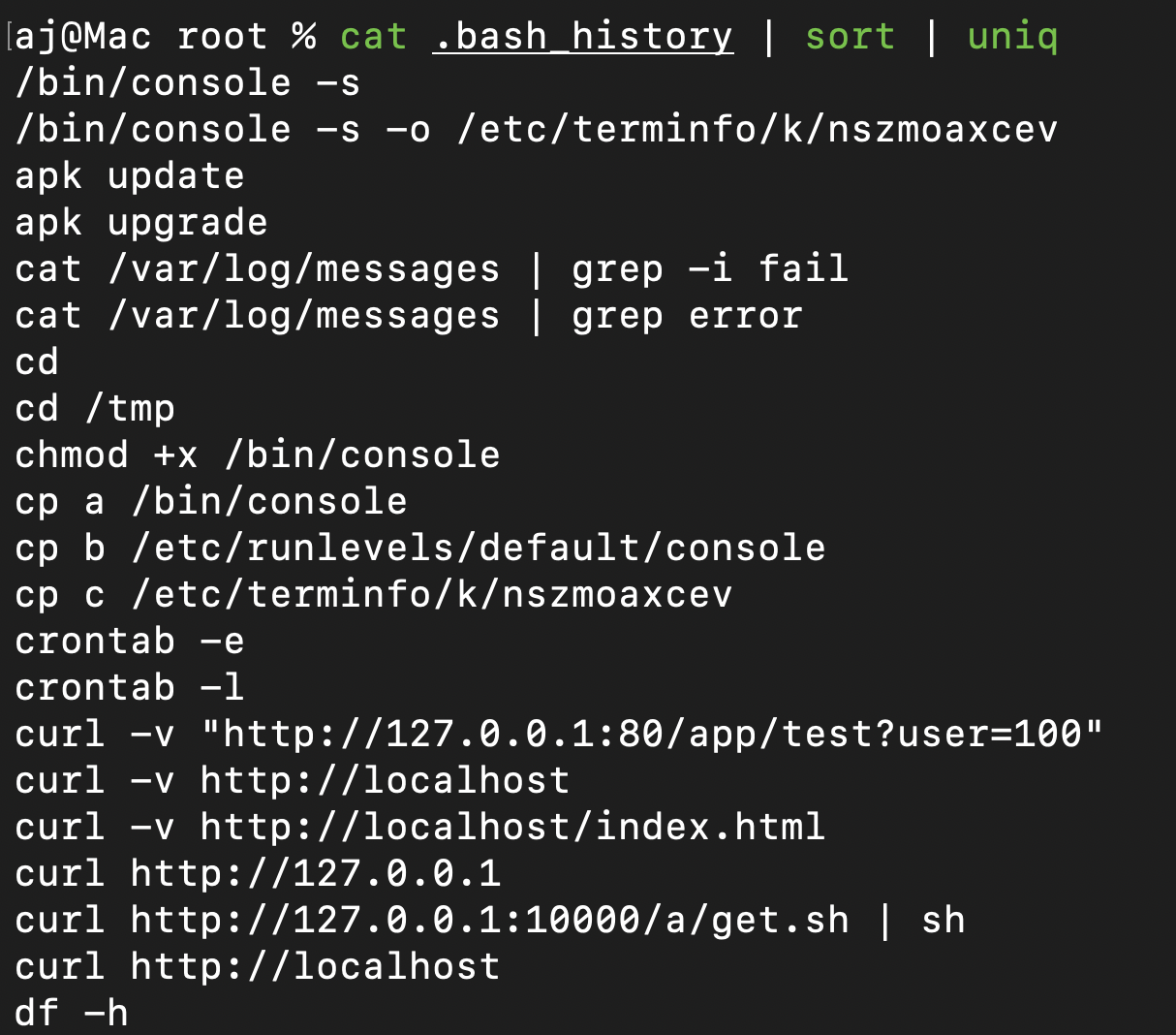
With fewer lines visible, we can now concentrate on identifying anything that appears unusual. One item that stands out is the command /bin/console -s -o /etc/terminfo/k/nszmoaxcev.
Running the sha1sum command on this file gives us the answer.
sha1sum nszmoaxcev

9d44b709645961858ef434edfe258071807f6fd3  nszmoaxcev
T1 Badge:
A walkthrough of the NSA Codebreaker 2025 T1 challenge detailing how a forensic analysis of a PCAP in Wireshark uncovered a rogue DNS server, suspicious FTP activity, and multiple IP addresses assigned to a malicious device.
In this write-up for the picoCTF challenge "Investigating Reversing 0," we tackle the transformation of flag data in mystery.png. By analyzing how the program modifies the data and applying the reverse logic, we’ll decode the hidden flag.
In this write-up for the picoCTF challenge "WebNet1", we decrypt TLS traffic using a provided private key. Follow along as we use Wireshark to extract decrypted HTTP files and uncover the flag through analysis.